
Blog
Splitting the Work: What AI Actually Automated for Me
I’ve been building out the web presence for On Court Tennis — a competition app I’ve been working on — and hit a production task that felt like a good test case for AI.
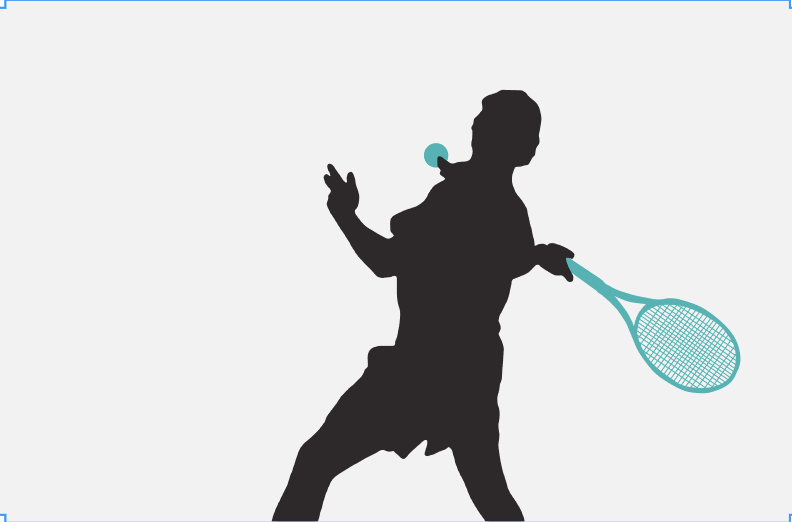
The banner images on the homepage are hand-crafted silhouettes: players mid-serve, mid-volley, rackets drawn as separate teal vector paths against transparent backgrounds. I made the originals in Figma, tracing Bézier curves by hand around each figure. Three images. Hours of work. Not something I wanted to repeat every time I needed a new one.
A website review had flagged that the body of the homepage needed images to match the banner — and that they’d need to be SVG or WebP, not PNG, to fit the site’s performance requirements. So the bar wasn’t just “make some images.” It was “make them the right format, in the right style, without spending a week in Figma.”
So I tried the obvious thing first: I asked Claude and Gemini to generate the SVG code directly from a photo.
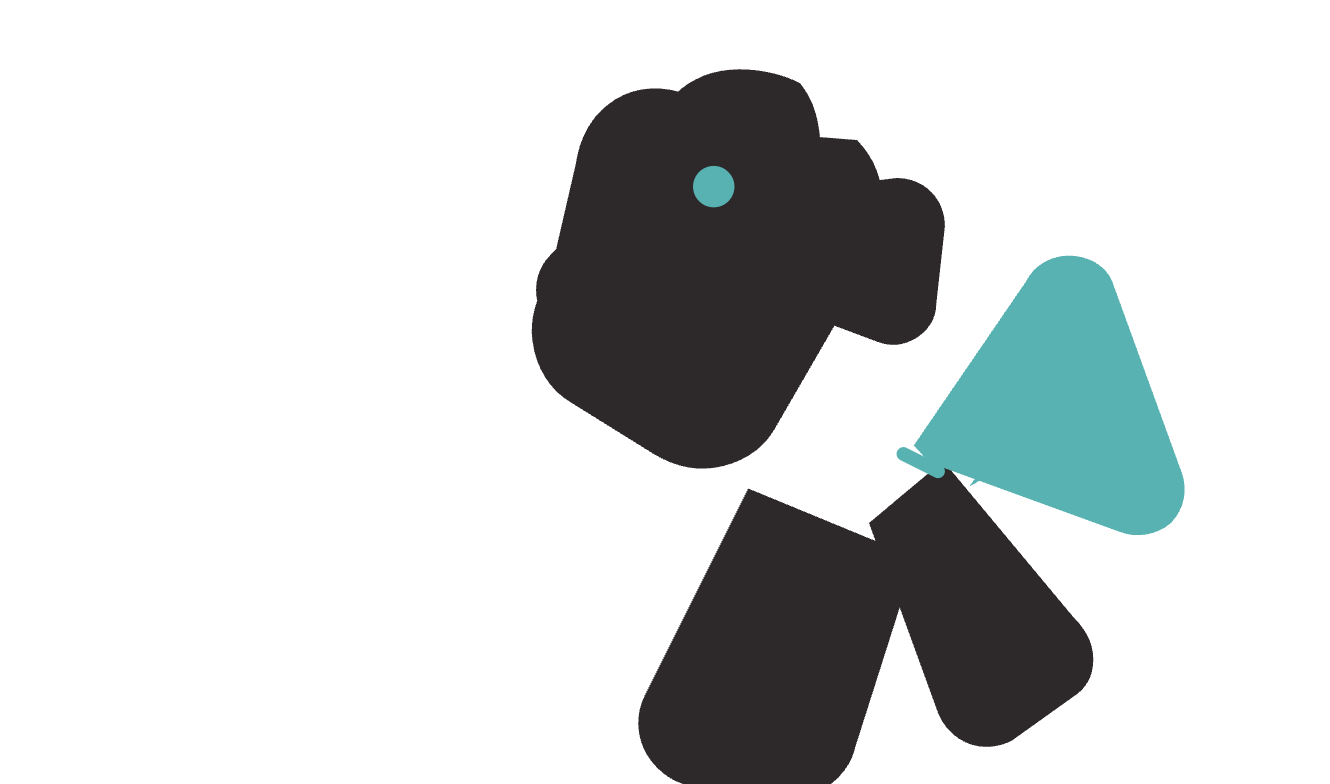
That’s what came back. Recognisably geometric. Not recognisably human. Whatever the models were doing with the image data, it wasn’t producing the kind of clean, path-based silhouette I was after.
Worth trying. Good to know.
The next question was the more interesting one: not “can AI do this?” but “which part of this can AI do?”
The task has a natural seam in it. The hard part — extracting a clean foreground mask from a photo — is exactly the kind of pattern-recognition problem that machine learning is built for. The craft part — knowing that a racket should taper to a triangle where it meets the handle, or that you need to decide whether a gripping hand sits in front of or behind the frame — requires human judgement and an eye for what the finished image should look like.
So I stopped asking AI to do the whole thing and started using it to build me a pipeline for the part it could handle.
Working with Claude, I put together a Python script that runs a photo through rembg — a background removal library backed by a neural network trained specifically on human subjects — then traces the resulting mask into vector paths using potrace. The output is an SVG of the person silhouette, roughly sized and ready to import into Figma.
It didn’t work first time. The early versions tried to do too much: detect tennis balls by colour, segment the racket separately, classify items. The result was that the item detection logic consumed the person mask and I got an empty silhouette. We stripped it back to just the person, dropped the colour heuristics entirely, and it started working. There was a potrace coordinate bug that produced files Figma would open and show as completely blank. There were HSV colour ranges that were plausible in theory and useless in practice. The debugging was iterative, but not especially long.
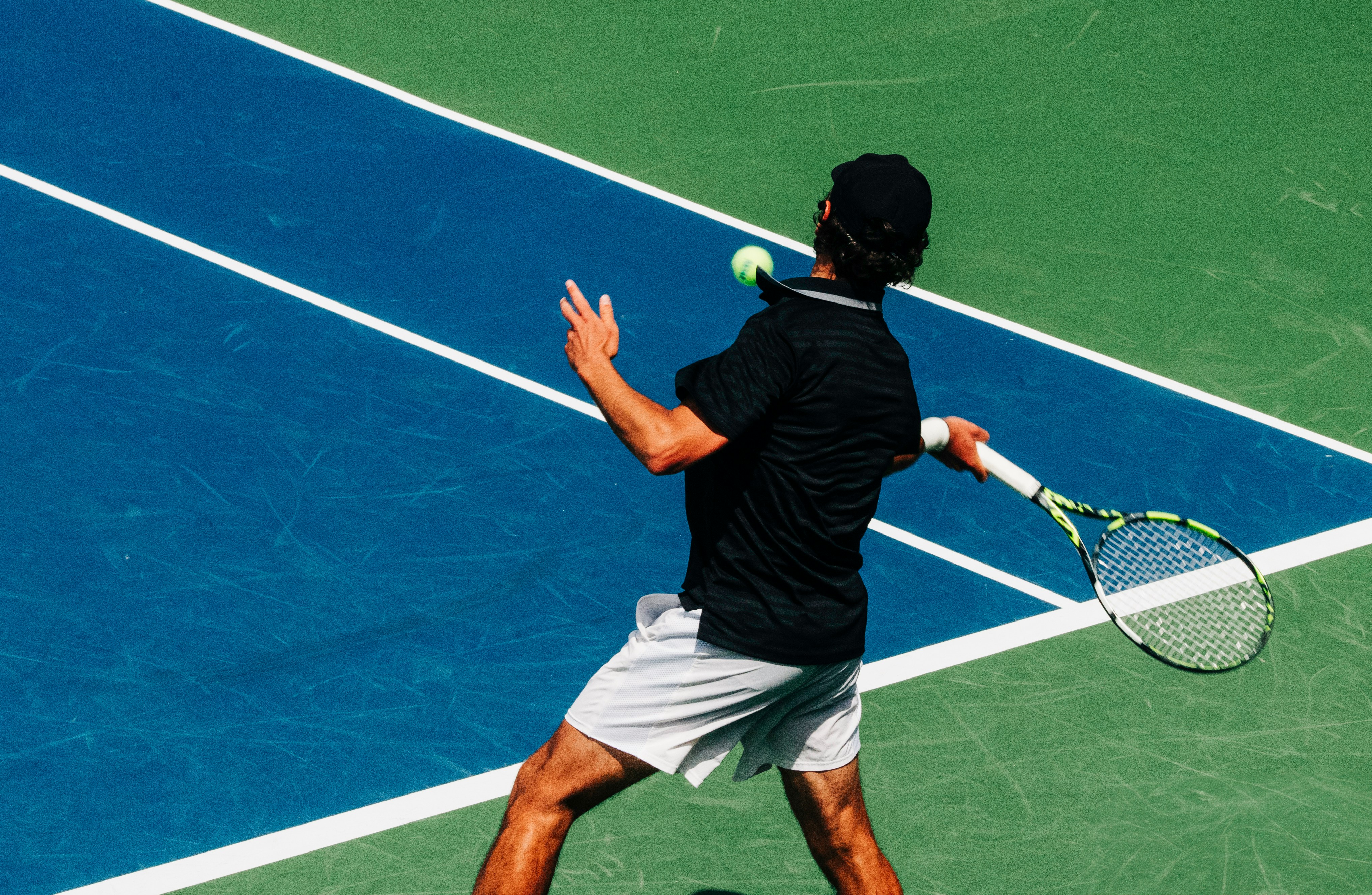
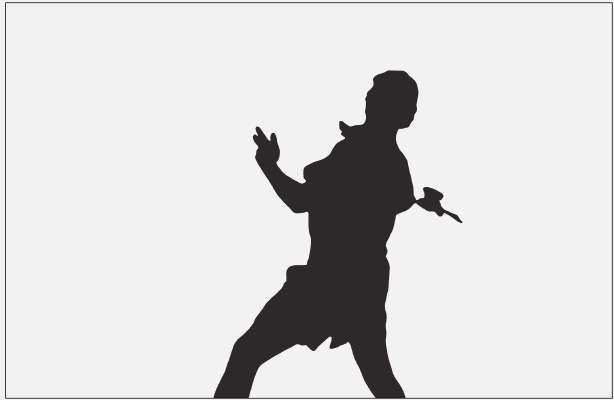
What I have now is a two-step workflow. Run the script on a photo, import the output into Figma. From there, I still need to review the silhouette — court lines occasionally get mistaken for limbs, and thin extremities like fingers and ankles sometimes get clipped — and add the racket and ball manually in teal. The racket is still real work: trace the frame outline, cut away the string bed, add the throat triangle, decide on strings or a semi-transparent oval if the image doesn’t have the definition for it. Handle the gripping hand. The ball is a teal ellipse, thirty seconds.
But tracing around the person — the bulk of the original time — is done.
Roughly 60% of the work, handled.
The thing I keep coming back to is that the failed first attempt wasn’t a failure of the AI. It was a failure of the question. “Generate me a silhouette SVG from this photo” asks the model to do the whole thing in one pass, including the parts it’s genuinely not suited to: understanding the design language of the output, making judgement calls about what matters, rendering clean vectors from ambiguous source material.
“Which part of this can AI do?” is a more useful question. It points you at the seam. On one side, you get a reliable tool. On the other, you still have a job to do — but a smaller one.
If you’re working on design or production workflows and finding that AI keeps producing output that’s almost right but not quite, it’s worth asking whether you’re pointing it at the right chunk. That conversation comes up fairly regularly in the work I do — if you’re trying to find where your seam is, get in touch.